
Model packs
An InspireFace deployment needs three matching pieces: a native SDK, a resource pack and any runtime libraries required by its backend. Choose these together before tuning detection parameters.
Pick a resource pack
| Pack family | Intended backend | Starting point |
|---|---|---|
Pikachu | General CPU / MNN | First integration and smaller deployments. |
Megatron | General CPU / MNN | Another general-purpose model choice; check its size and performance on your target. |
Megatron_TRT | NVIDIA TensorRT | Use with a TensorRT-enabled SDK and compatible GPU runtime. |
Gundam_RV1109 | Rockchip RV1109/RV1126 | Match the RKNPU generation and board runtime. |
Gundam_RV1106 | Rockchip RV1103/RV1106 family | Match the board's toolchain and runtime. |
Gundam_RK356X, Gundam_RK3588 | Rockchip RK356x or RK3588 | Use the pack for the actual SoC. |
The model release page and the repository's command/download_models_general.sh provide the pack files. From the repository root:
bash command/download_models_general.sh Pikachu
This writes test_res/pack/Pikachu, which is enough for the first CPU example. To download every listed pack, run the script without an argument.
For iOS and macOS CPU frameworks, start with Pikachu as well. A CoreML build needs a compatible CoreML pack; changing the build flag or renaming a general pack does not convert its models. The general download script above does not provide a CoreML pack.
A pack is a file, sometimes without an extension. If you downloaded a ZIP archive, extract it first. Pass the pack file to HFLaunchInspireFace or launch(resource_path=...).
Validate before creating sessions
The 1.2.4 source API includes pack validation and metadata inspection:
import inspireface as isf

info = isf.validate_resource_pack("/path/to/Pikachu")
print(info)
isf.launch(resource_path="/path/to/Pikachu")
In C, use HFValidateResourcePack with HFResourcePackInfo as declared in the matching header. This checks the resource format. Install backend runtime dependencies using the target platform's guide below.
On Apple platforms, pass a local filesystem path to the pack, such as the path of a resource included in the application bundle. Validate it before creating sessions:
#import <InspireFace/InspireFaceApple.h>

BOOL LaunchValidatedPack(NSString *path, NSError **error) {
    HFResourcePackInfo info = {0};
    if (![IFRuntime validateResourcePackAtPath:path info:&info error:error]) {
        return NO;
    }
    return [IFRuntime launchAtPath:path error:error];
}
import InspireFaceSwift

func launchValidatedPack(path: String) throws {
    var info = HFResourcePackInfo()
    try InspireFaceRuntime.validateResourcePack(path: path, info: &info)
    try InspireFaceRuntime.launch(path: path)
}
Record the SDK version, pack file and checksum with your application release. When changing the recognition model, regenerate gallery embeddings and reevaluate the comparison threshold.
Change the loaded pack
Use the reload entry point when an already initialized process needs a different pack:
| API | Entry point | Success |
|---|---|---|
| C API | HFReloadInspireFace(pack_path) | Return code HSUCCEED. |
| C++ | inspire::Launch::GetInstance()->Reload(pack_path) | Return code 0. |
| Objective-C | [IFRuntime reloadAtPath:path error:&error] | Returns YES; failures return NO with an NSError. |
| Swift | try InspireFaceRuntime.reload(path: path) | Returns normally; failures throw. |
| Python | isf.reload(resource_path=pack_path) | Returns True; failures raise an exception. |
In 1.2.4, existing sessions retain the resources they were created with. To switch the whole application, stop submitting frames, release the old sessions, validate and reload the new pack, then create new sessions after loading succeeds. Handle any loading error before resuming processing. Rebuild the gallery when the recognition model changes.
With Android Java SDK 1.2.0, choose the pack before initialization and restart the application process when changing it.
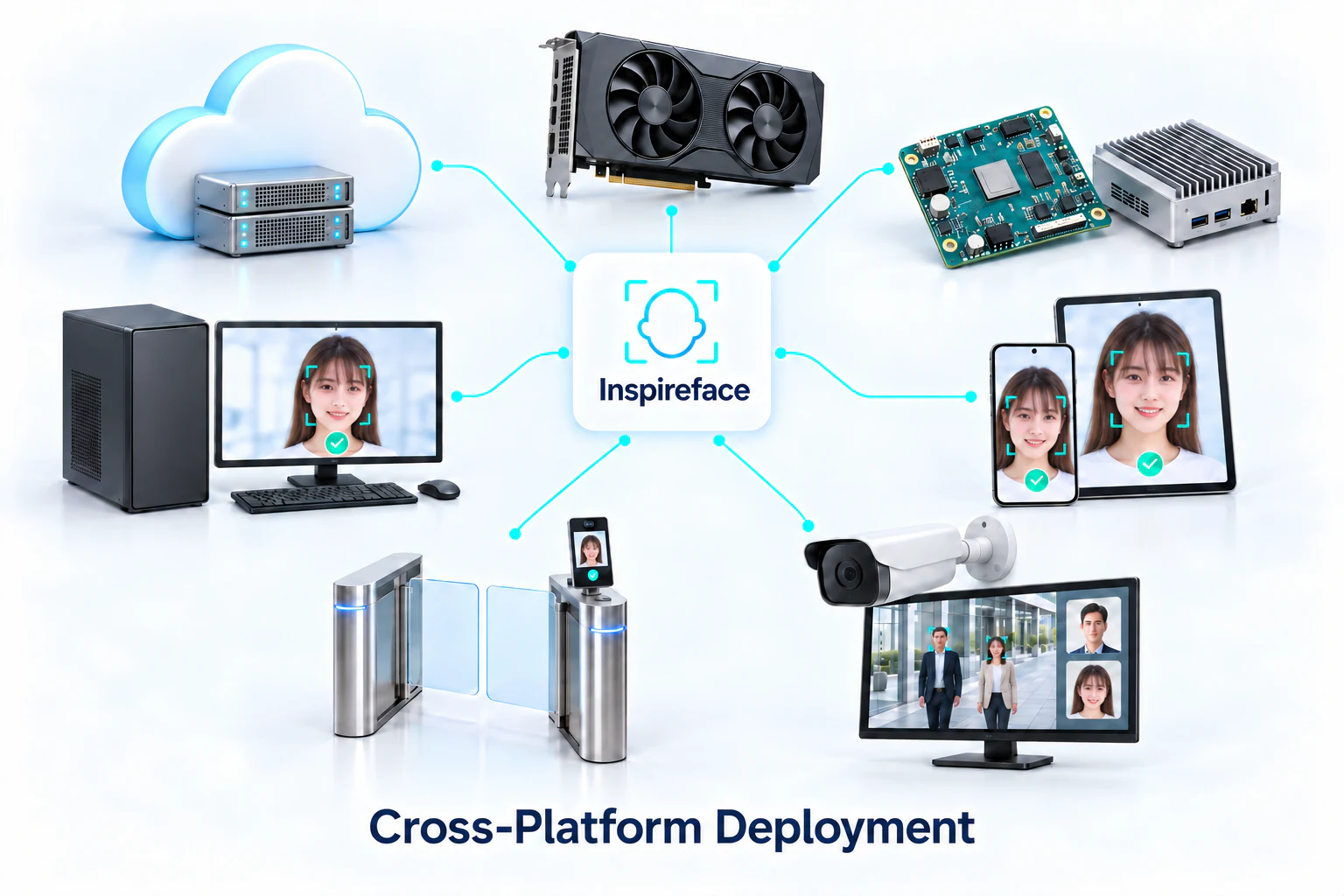
Download an SDK
Get and build the SDK: overview and downloads lists the current prebuilt versions, platform downloads, Python package and Android dependency. Check the device and process architecture, and use matching headers, wrappers and native libraries. The API-level-2 examples in these pages require a 1.2.4 source build.
Build a CPU SDK
Source and common options includes the checkout, dependency initialization and complete CPU build commands. The Linux and macOS chapters cover toolchains, architecture and output checks.
Build options that affect integration
Common CMake options covers shared/static linkage, C++ headers, samples, tests and hardware backends. Platform scripts can override the defaults; use the corresponding build chapter to choose the configuration.
Target-specific builds
- Android: NDK, ABIs, JNI and AAR packaging.
- iOS: device / simulator slices, XCFrameworks and CoreML.
- macOS: Intel / Apple Silicon frameworks, Swift modules and native libraries.
- HarmonyOS: native SDK and ArkTS HAR project.
- NVIDIA TensorRT: CUDA/TensorRT dependencies and build environments.
- Rockchip NPU: board toolchains, RKNN and RGA.
- Python packaging: replace native libraries, build wheels and verify installation.
For a failed launch, check the file path and pack/build pairing first. See Troubleshooting for the next steps.